What customer questions reveal about your website
Review fifteen conversations to find missing or confusing website information. Learn when to edit a page, improve product data or connect a custom action for live answers.
“Will my laptop fit inside?” If this question keeps appearing for the same backpack, answering it in chat is only part of the job. The compartment dimensions may be missing from the product page. Or they may be buried in a manual that customers do not open before buying.
Your AI agent helps the individual visitor. You can use the same question to improve the page for everyone, including people who never open chat. This workflow is a manual review of a small conversation sample.
Set aside half an hour to read, then choose one improvement you can actually finish. All situations below are illustrative examples, not reported results from a particular customer.
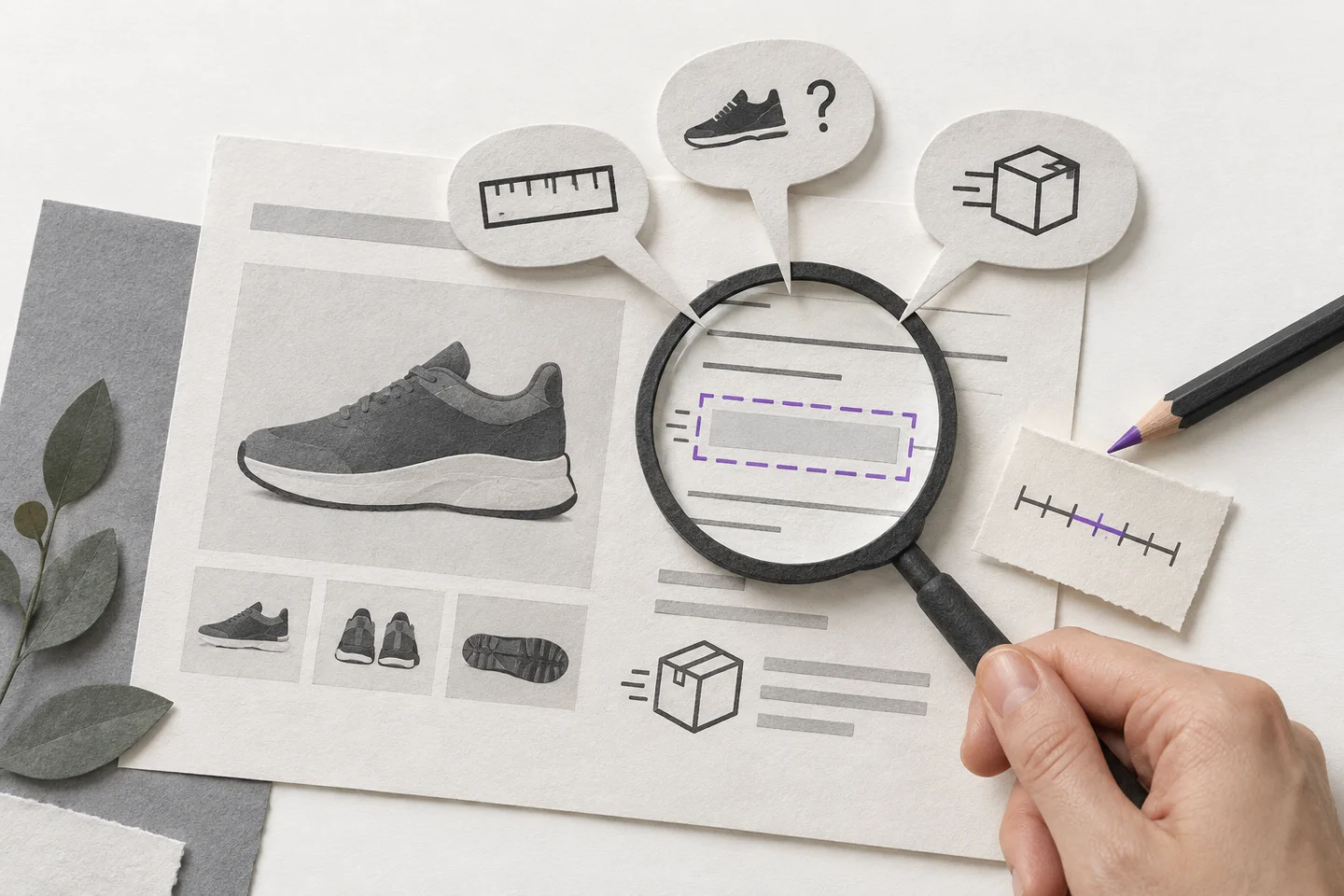
Choose fifteen conversations, not fifteen failures
In Conversations, review fifteen recent relevant chats. Exclude your technical tests, but retain everyday questions, successful answers and requests for a person. Problems can occur even when the agent answers correctly.
Record the channel if you use more than one. “Do you still have it?” in an Instagram message has different context from the same question on a specific product page. Investigate before combining them into one finding.
This small sample helps identify specific problems. If you had five conversations this week, review those five and describe observations, not percentages of all visitors.
Use five columns in a working sheet
Record the question, context, likely cause, proposed change and verification step. You do not need customers' personal details.
| Question | Context | Likely gap | Change | Verification |
|---|---|---|---|---|
| Will my laptop fit? | Backpack page | Compartment dimensions | Add dimensions to the page and product data | Ask using laptop measurements |
| Can I collect today? | Delivery page | Cut-off time and collection conditions | Clarify the collection page | Ask about times before and after the cut-off |
| Where is my order? | Current order information | Connect and test a custom action | Test an authorised and an unauthorised order | |
| Is that price for two people? | Service pricing page | The unit being priced | Specify per person or per appointment | Ask about two people |
Treat the cause as a hypothesis. Dimensions might be present but hard to find, or describe a different variant.
Read the question alongside the page
For a website widget conversation, open visitor context if it is available and enabled. The panel next to the conversation shows the page journey. This feature is available from Pro and during a trial.
Open the relevant page yourself. Can you find the information on a phone? Does it apply to the right variant? Are you using an internal term customers may not understand? A recorded page visit does not prove that someone read a particular paragraph.
Current-page context can also help your AI agent interpret questions such as “How big is this?” The page content must be available in connected sources or the catalogue. A URL alone cannot supply missing dimensions or information from a private customer area.
Separate four causes that need different fixes
The information is missing. Add it where the customer needs it to decide. Put backpack dimensions in the product description and delivery conditions beside delivery options. Then update the relevant source in Breezaro.
The information exists but is unclear. Rewrite it. “Dispatch D+1” may make sense to your warehouse team, while a customer needs to know when you hand the parcel to the carrier and how weekends affect that. Confirm the wording with someone who owns the process.
The website is correct but the agent has an older source. Check the imported source and its status. Replace the old document or sync the website. Avoid creating a third version of the answer in another file. For recurring changes, configure an appropriate refresh schedule.
The answer depends on the customer and the time. An individual order's status does not belong in a general FAQ. A custom action can retrieve current information from a connected system, with the appropriate access controls in place.
Fix product questions in the catalogue too
When customers ask for a backpack under a particular budget, the agent can search the connected catalogue with a price restriction. The result depends on the imported data and when it was last updated.
In Sources → Products, check the specific item's price, currency, availability, description and link. If customers repeatedly ask about laptop fit, add verified compartment dimensions or compatibility information to the product data. “A practical city backpack” does not provide enough evidence for a reliable answer.
The product sources documentation covers connection and synchronisation. For changing information, remember that the catalogue reflects the latest sync; importing it does not create a continuous live warehouse lookup.
Connect one specific action for live information
Choose a recurring question with a clear result, such as checking an order's status. Name the action after what it retrieves, connect the appropriate endpoint and test the returned fields. Custom actions are available from Pro and during an active trial.
For personal information, finding an order by its number is insufficient. Verify that the configuration and your system reveal details only to the authorised customer. Include another customer's order and a nonexistent order in the test. See custom actions and webhooks in practice for a worked example.
A webhook can subsequently record an event in your own system. It does not supply missing information or perform this conversation audit for you. Start with one action that works correctly.
Repeat the original question after the change
Wait for the source update to finish, then return to the original task. Ask the exact question, a paraphrased version and a boundary case. For the backpack, try a laptop one centimetre wider than the verified compartment dimensions. The answer should not promise it will fit without supporting information.
The following week, check new conversations for the same mistake and missing clarification. Fewer questions alone prove little; website traffic may also have fallen.
The review should end in a completed change: a clearer page, more precise product data or a secure connection to information in your system. That is how chat history becomes useful evidence for improving both your website and your AI agent.